Make Everyday Admin Gentle and Work With Your Brain


Start Small, Reduce Friction, Win Consistently
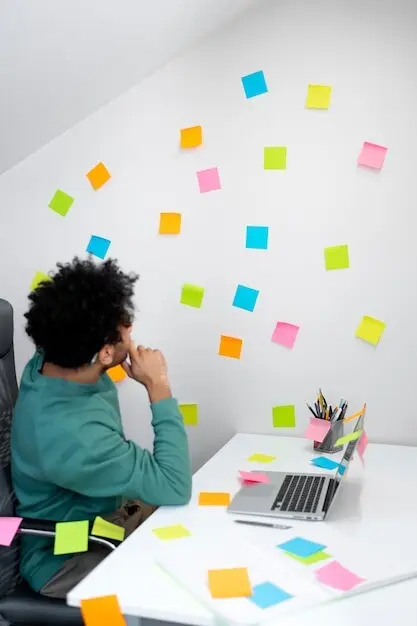
Visual Roadmaps That Show, Not Tell
Single-Capture Inboxes That Calm the Mind
Tools That Respect Sensory and Cognitive Needs
Time You Can See, Not Just Read
Time-blindness eases when minutes become shapes. Visual timers, sandglasses, color wheels, or a progress bar show passing time without mental math. Set visible countdowns for laundry, appointment prep, or ten-minute tidy bursts. Put clocks where you look naturally—on the fridge, desk, or watch face—so you glance, understand, and move. Pair timers with a single next action visible on a sticky note. Your brain tracks motion, not numbers, and the anxiety dial softens.
Speak First, Type Later
When words bottleneck at the keyboard, capture them with voice. Dictation and transcription apps convert thoughts into text while attention stays on the idea. Record receipts, tasks, and reminders as you move between rooms or contexts. Later, skim transcripts and extract next actions. This honors processing differences, reduces perfection pressure, and turns fleeting intentions into stored plans. Bonus: speaking out loud can spark clarity, like talking to a supportive friend who never interrupts or judges.
Color, Contrast, and Icons as Navigation
Assign colors and icons to categories so your eyes do the sorting. Blue for bills, green for health, orange for errands, star for urgent, triangle for waiting. Keep palettes gentle if bright hues overstimulate, and avoid cluttered dashboards. Consistent iconography reduces text parsing and speeds recognition across apps, folders, and labels. Pair color with shapes for color-blind accessibility. Your system should feel visually readable at a glance, even during brain-fog moments or sensory-heavy days.
Plan by Energy, Not Just Minutes

Make Decisions Once, Then Reuse
Support, Accountability, and Community Without Shame



All Rights Reserved.